Check-in for Spacious
5th floor · Ioulianou 50, Athens 104 34
- 1🚪
Find the Main Entrance
Walk up to the building's main entrance at Ioulianou 50. The street-level door is the only entrance to the building.
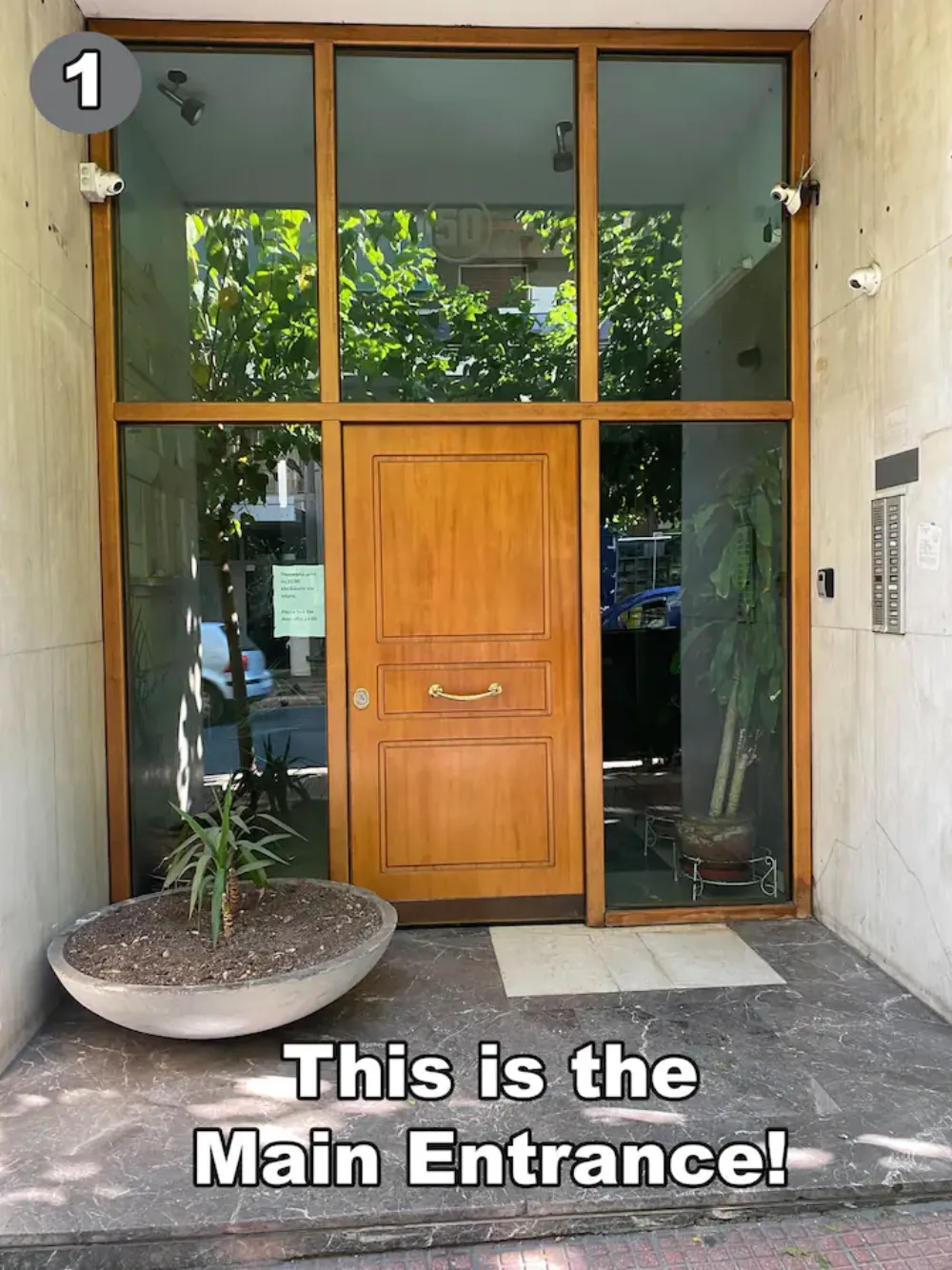
Step 1 - 2🔍
Locate the Key Box
Right next to the entrance you'll see a small key-safe box mounted to the wall. The main entrance key is stored inside.
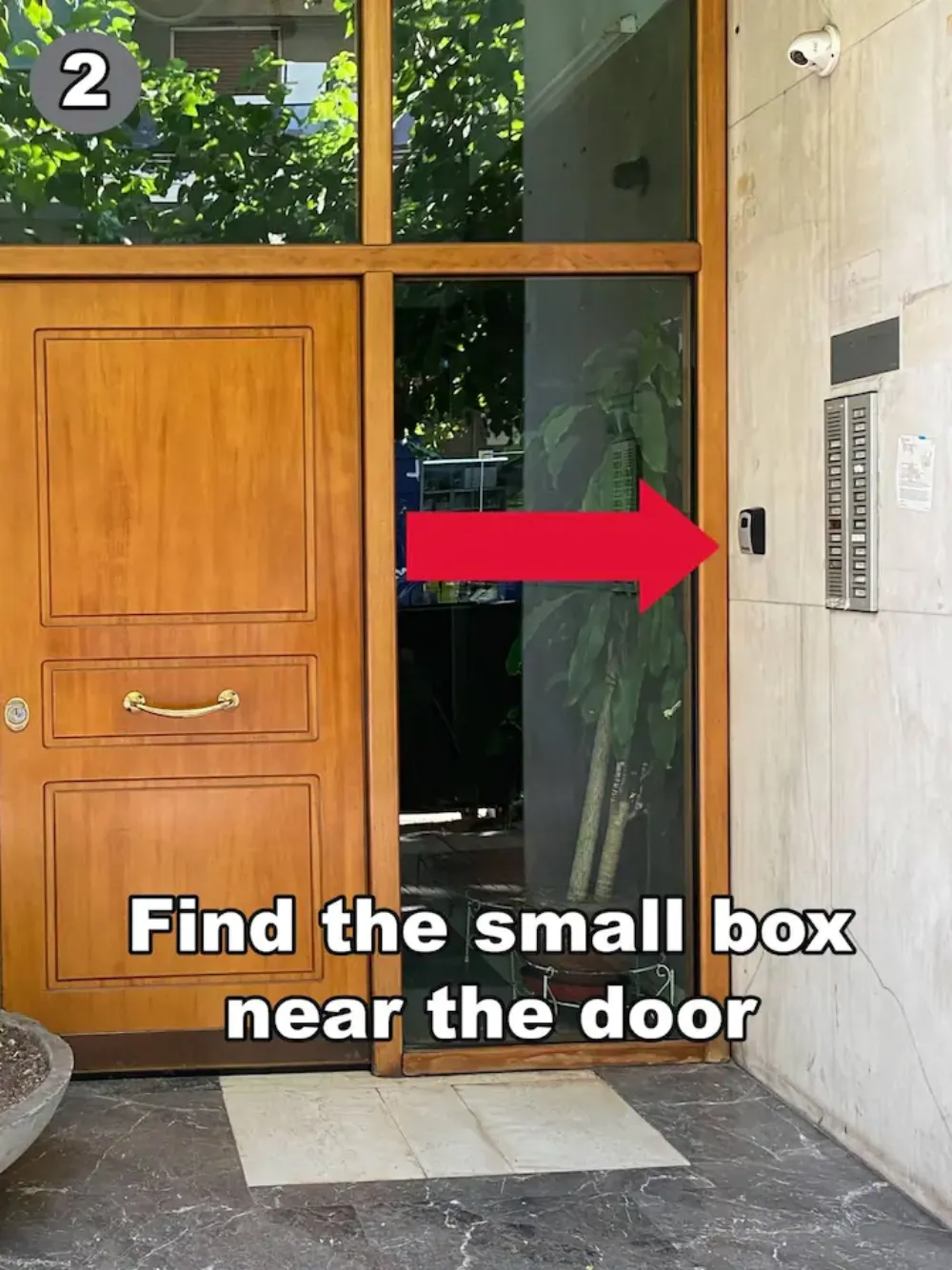
Step 2 - 3🔢
Open the Key-Safe
Turn the dials to form the access code we sent you before arrival, then pull the small trigger downward to release the lid.
Your code is sent by us at 13:00 on the day of arrival. Please don't arrive before your check-in time (15:00) — the codes won't be active yet.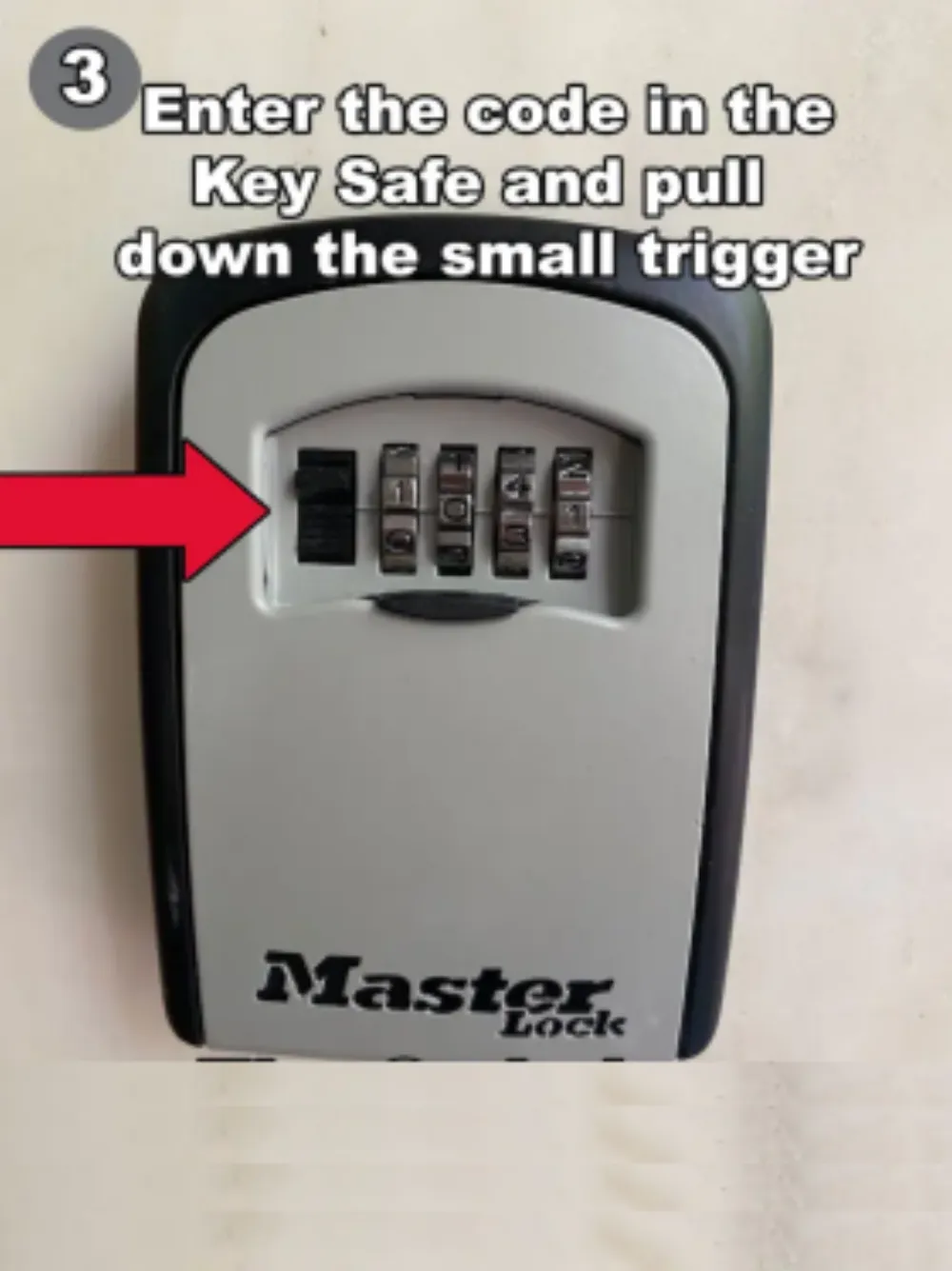
Step 3 - 4🔑
Use the Main Entrance Key
Take the key, open the building door, then return the key back to the lockbox immediately. Inside the apartment you'll find your own dedicated keys for the rest of your stay.
If you take this key from the lockbox it will cause problems for other tenants — return it immediately after opening the door. You do not need this key at all to access your apartment.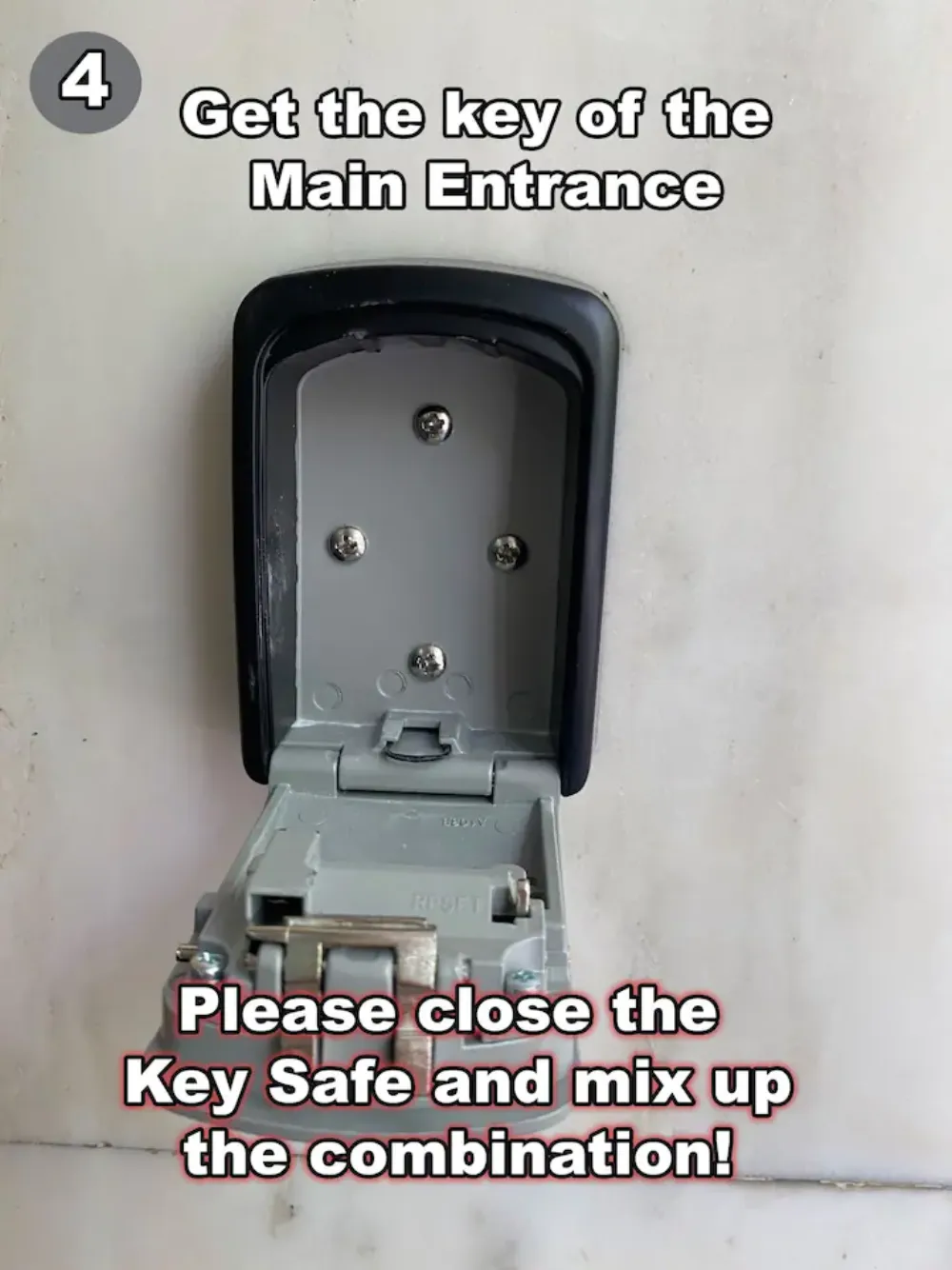
Step 4 - 5🛗
Go to the 5th Floor
Once inside the building, take the elevator or the stairs up to the 5th floor. The elevator is right opposite the main door.
If you take the stairs, note there is a mezzanine level — climb as if going to the 6th floor.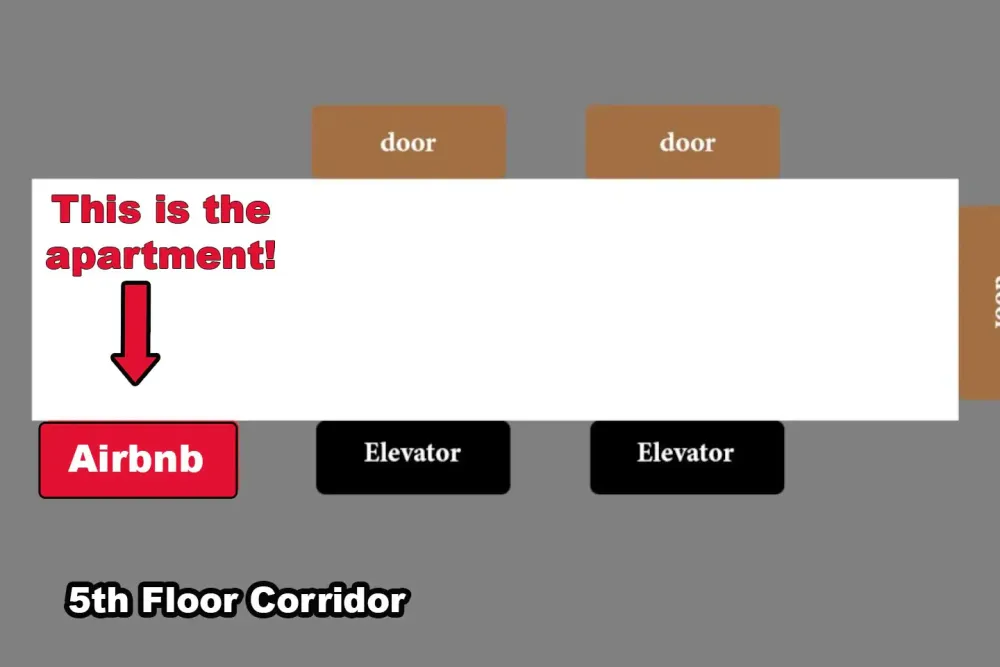
Step 5 - 6🚶
Reach the 5th Floor
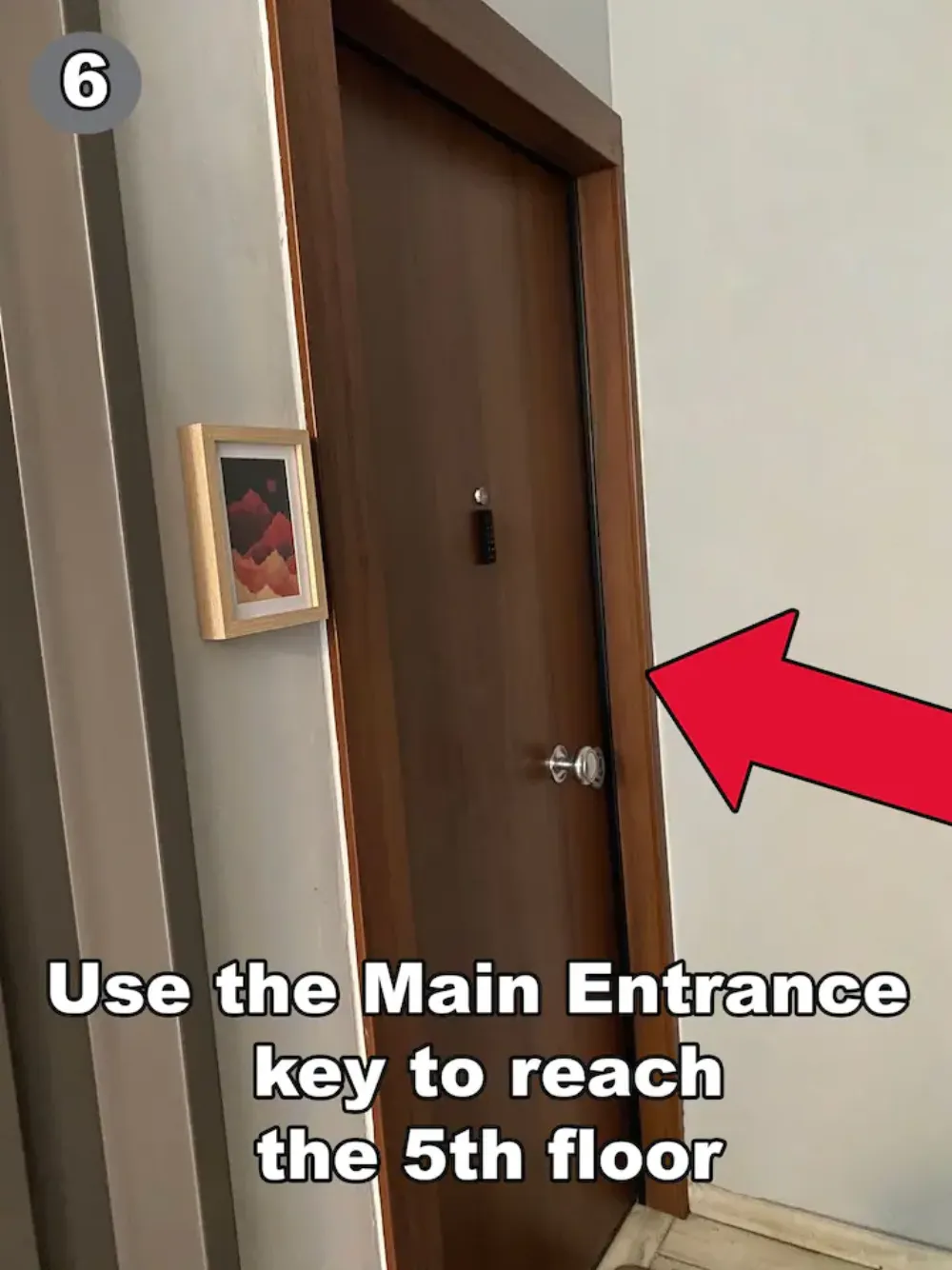
Step out of the elevator on the 5th floor — the apartment door is right in front of you.
Step 6 - 7🎯
Open the Apartment Door
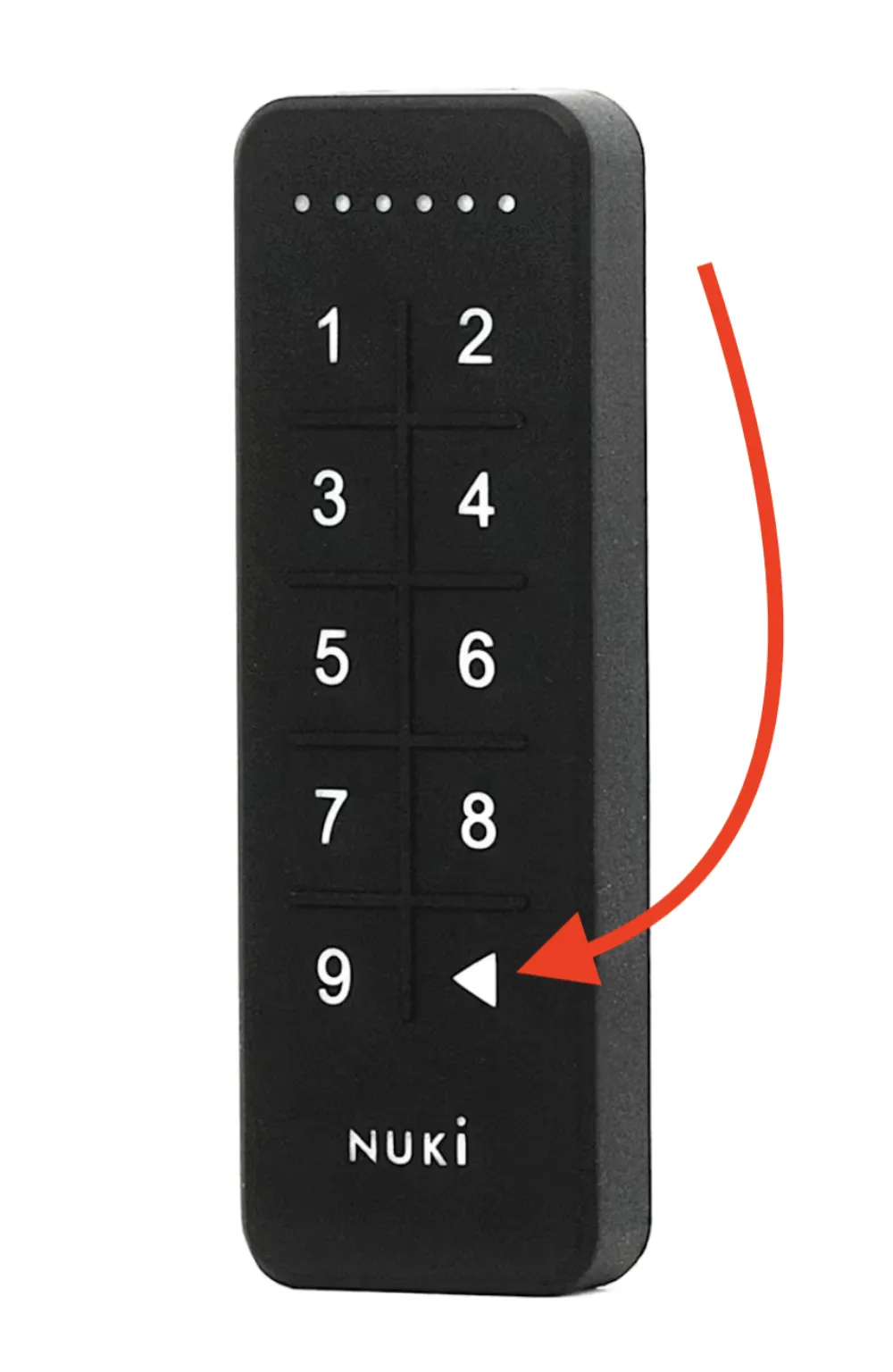
On the apartment door you'll see a small Nuki keypad. Enter the 6-digit code sent to you before arrival and the door will unlock automatically.
The 6-digit keypad code is sent in the same message as the lockbox code.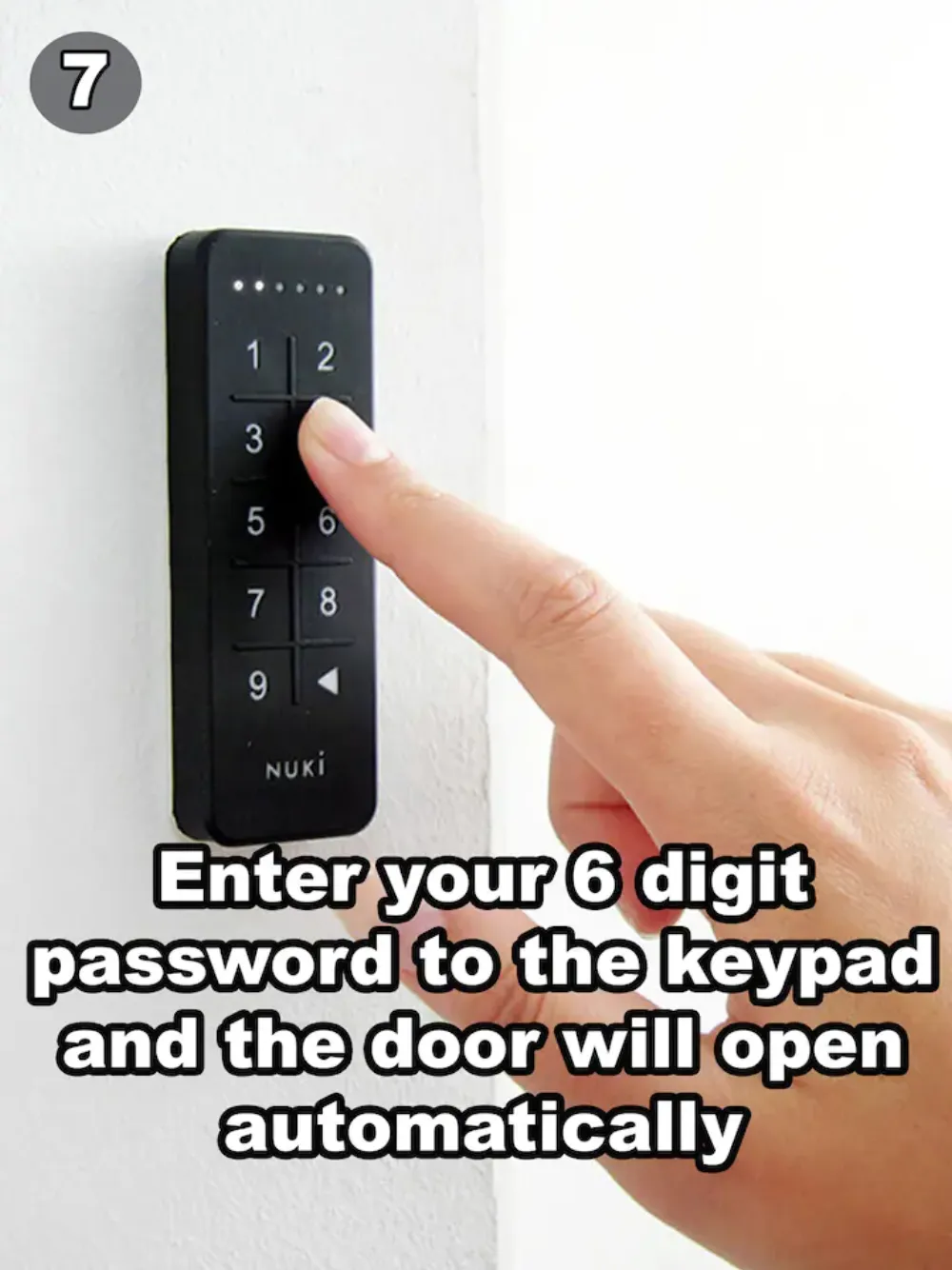
Step 7 - 8🎉
Welcome!
You've made it. Inside, you'll find your dedicated set of building & apartment keys waiting on the entrance table.
Step 8
Important door information
Auto-lock 22:00 → 09:00
From 10:00 pm until 09:00 am the apartment door locks automatically right after it has been closed.
Unlocking from inside
Press the round button on the Nuki lock to unlock the door from inside the apartment.
When you leave
Make sure the door is fully closed, then press the enter button on the keypad and wait for the lock to engage.
Spare keys inside
Inside the apartment you'll find dedicated keys for the building entrance — use these for the rest of your stay.
Need help?
If anything doesn't go as planned during check-in, message us through your booking platform — we usually reply within minutes.